Import VMware offline Discovery data in CHAI™
NOTE : The data that is intended for import should be in Excel format to ensure seamless integration.
In cases where virtual machines (VMs) cannot be directly added to the CHAI™ tool due to system restrictions or other limitations, we can utilize the Excel file as an intermediary to efficiently publish and transfer the data into the CHAI™ platform.
To achieve this,
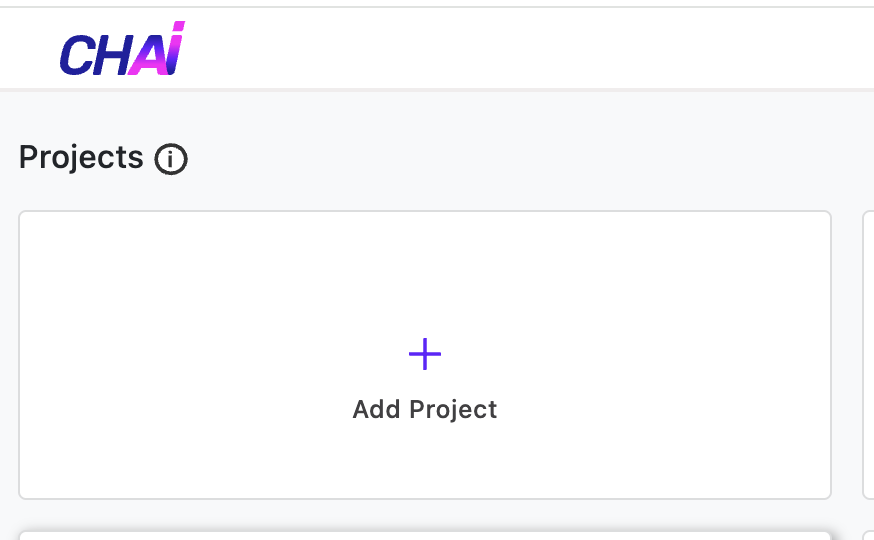
- Login to CHAI™ and click on 'Add Project'
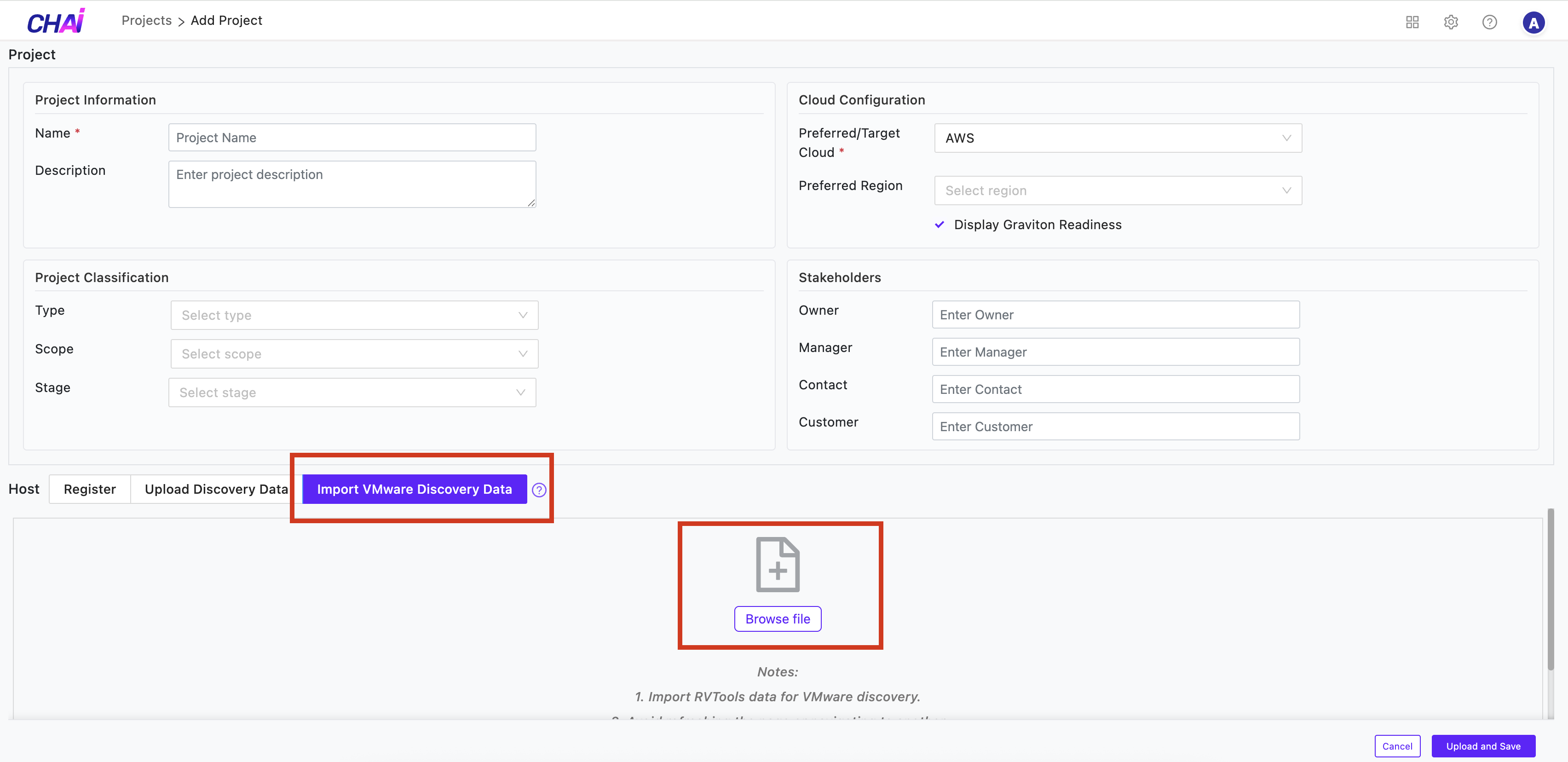
- Fill up the project details.
- Click on 'Import VMware Offline Discovery Data'
- Click on 'Browse file'
- Select the file
- Click on 'Upload and Save' button at the right-bottom.
Wait for few minutes(depending on the size of file) for the file to be uploaded.
Once file is uploaded, the VMs and their respective details can be seen.