Create Blueprint
Create an application as described in the rationalize section.
-
Click on the Project you want to transform process.
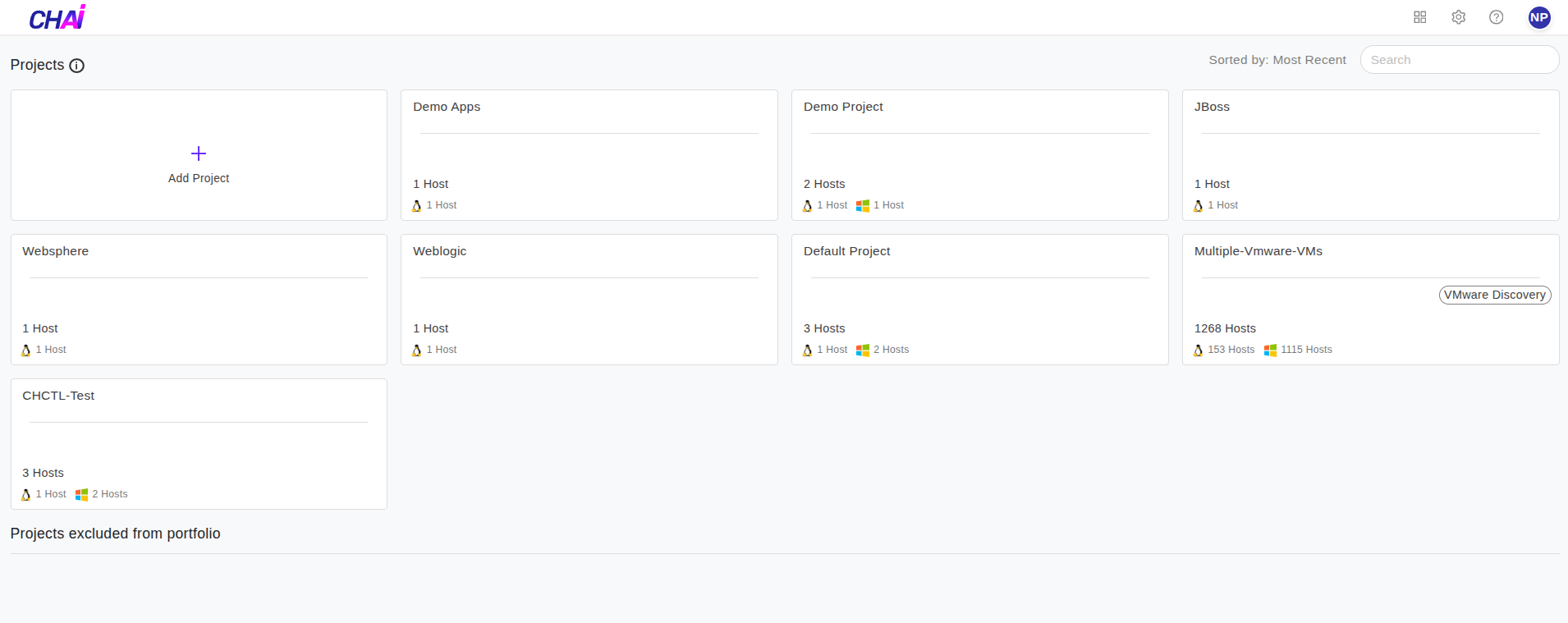
-
Once you click on the Project, click on
Transformin the menu on the left side, as shown in the image below.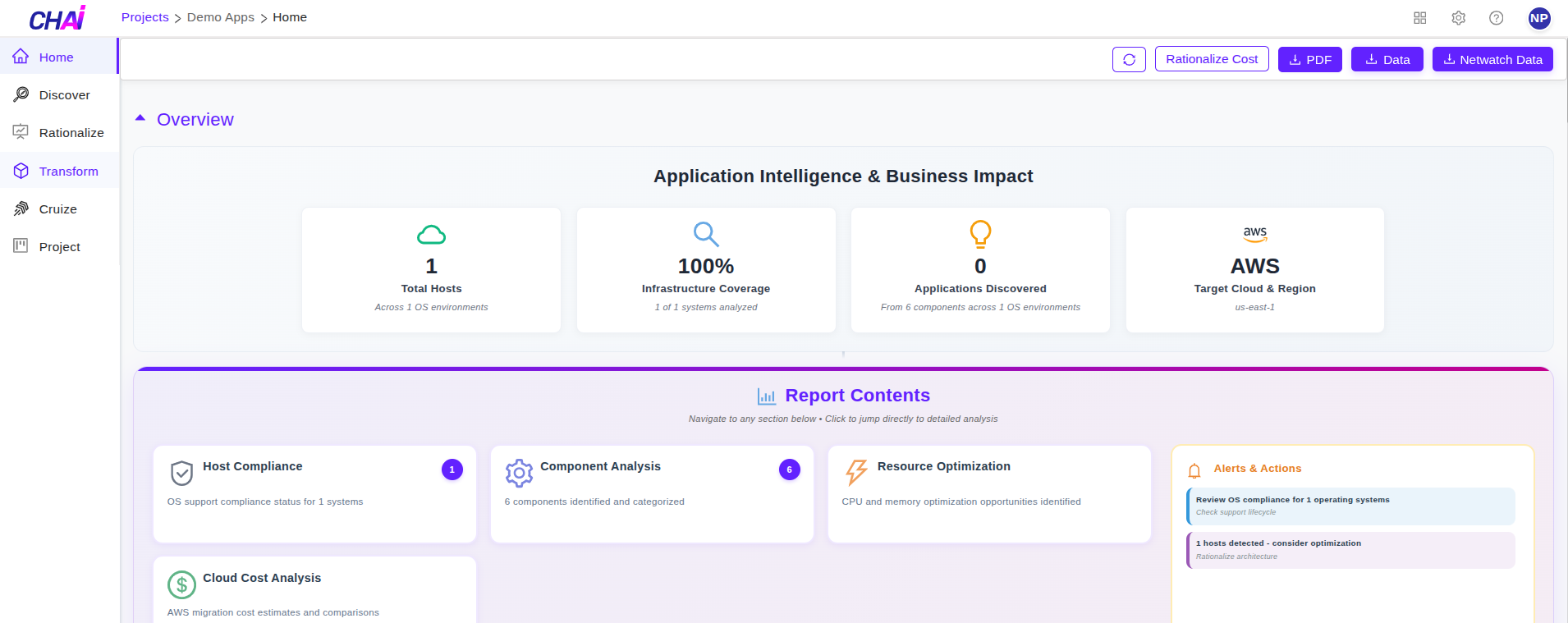
-
Define application and assign process to an application using steps mentioned in Rationalize section.
-
Click on
Applicationsto create blueprint.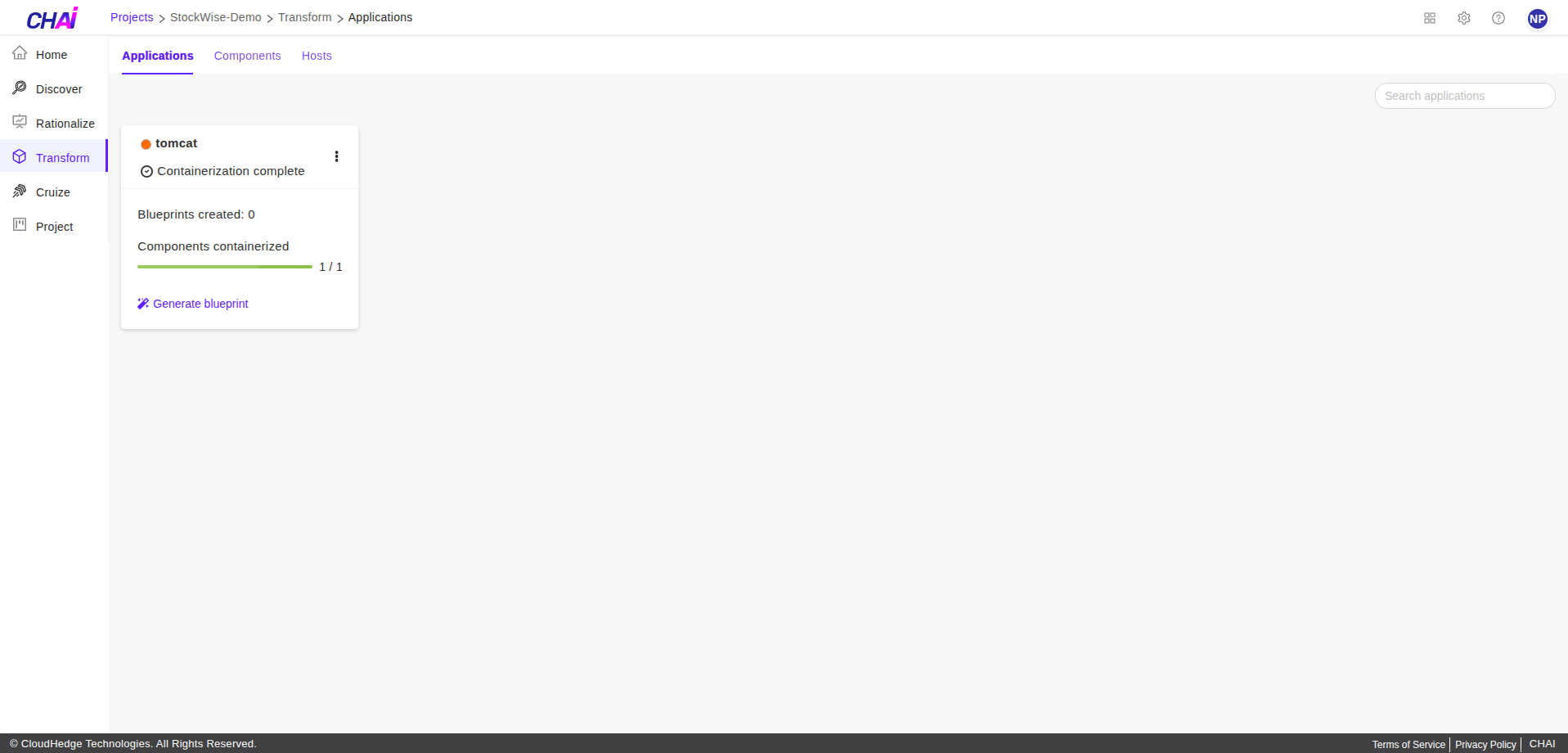
-
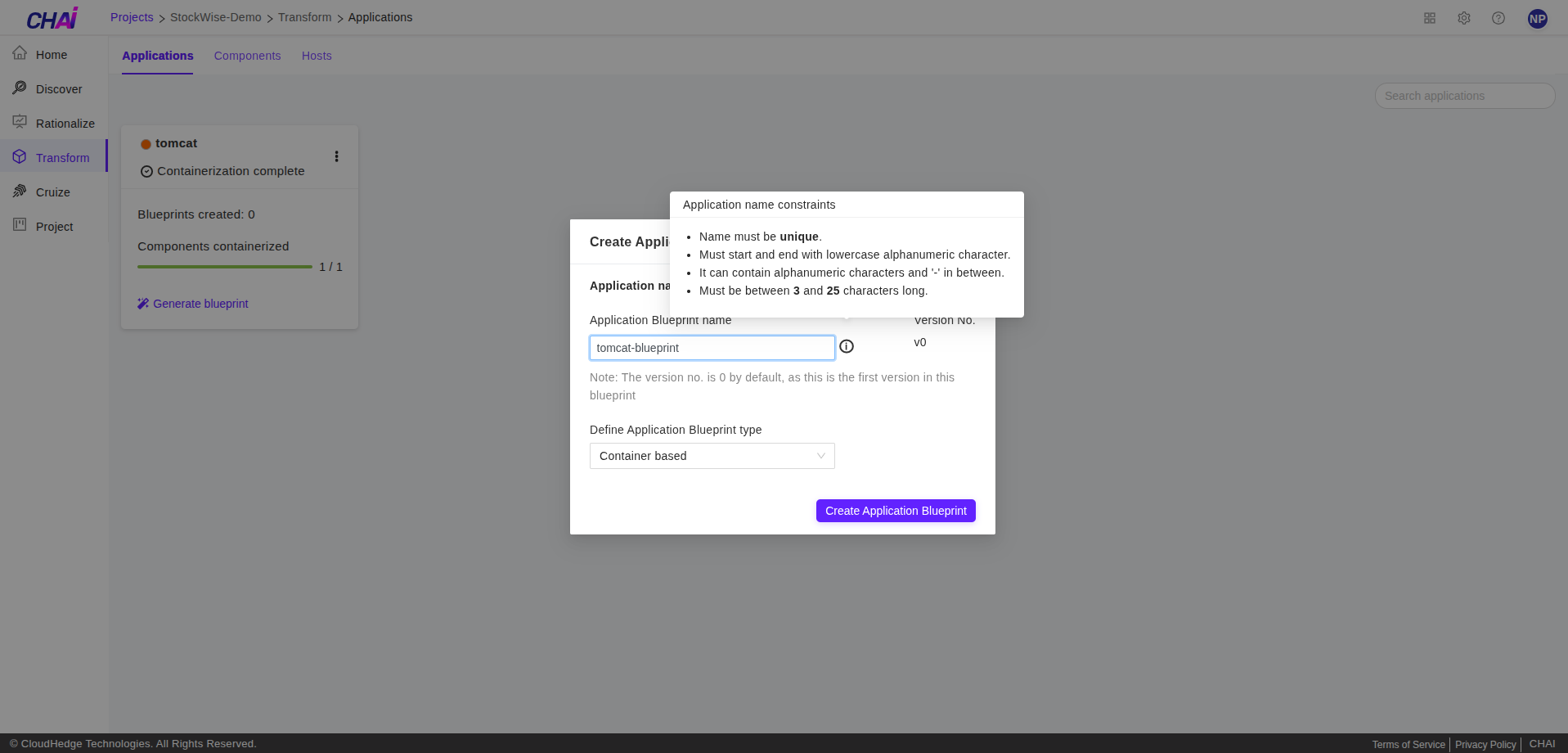
Click on
Generate Blueprint.- Enter the
Application Blueprint nameand then click onCreate Application Blueprint.
- Enter the
-
Click on
Deploy in Cruizeto deploy the application.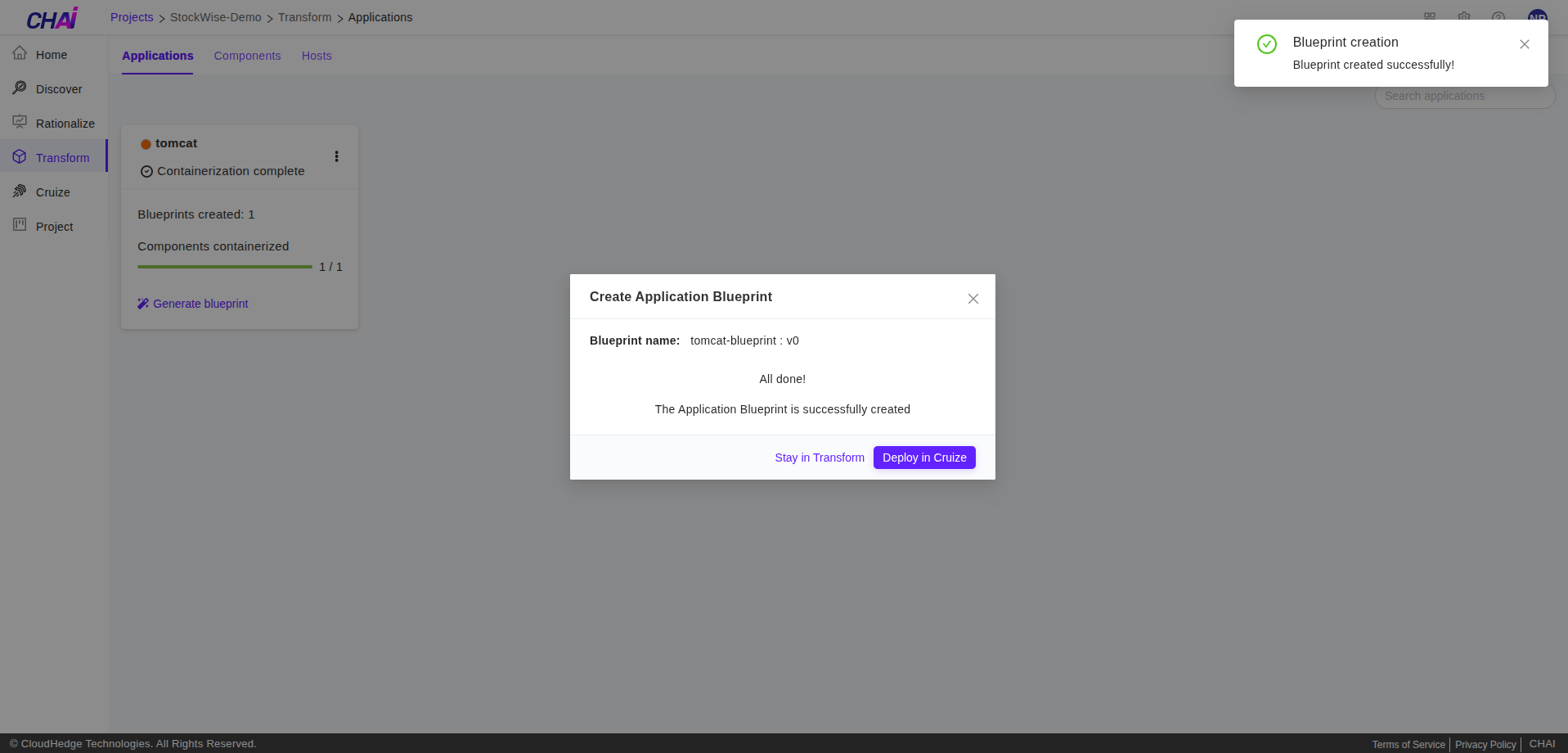
- Click on
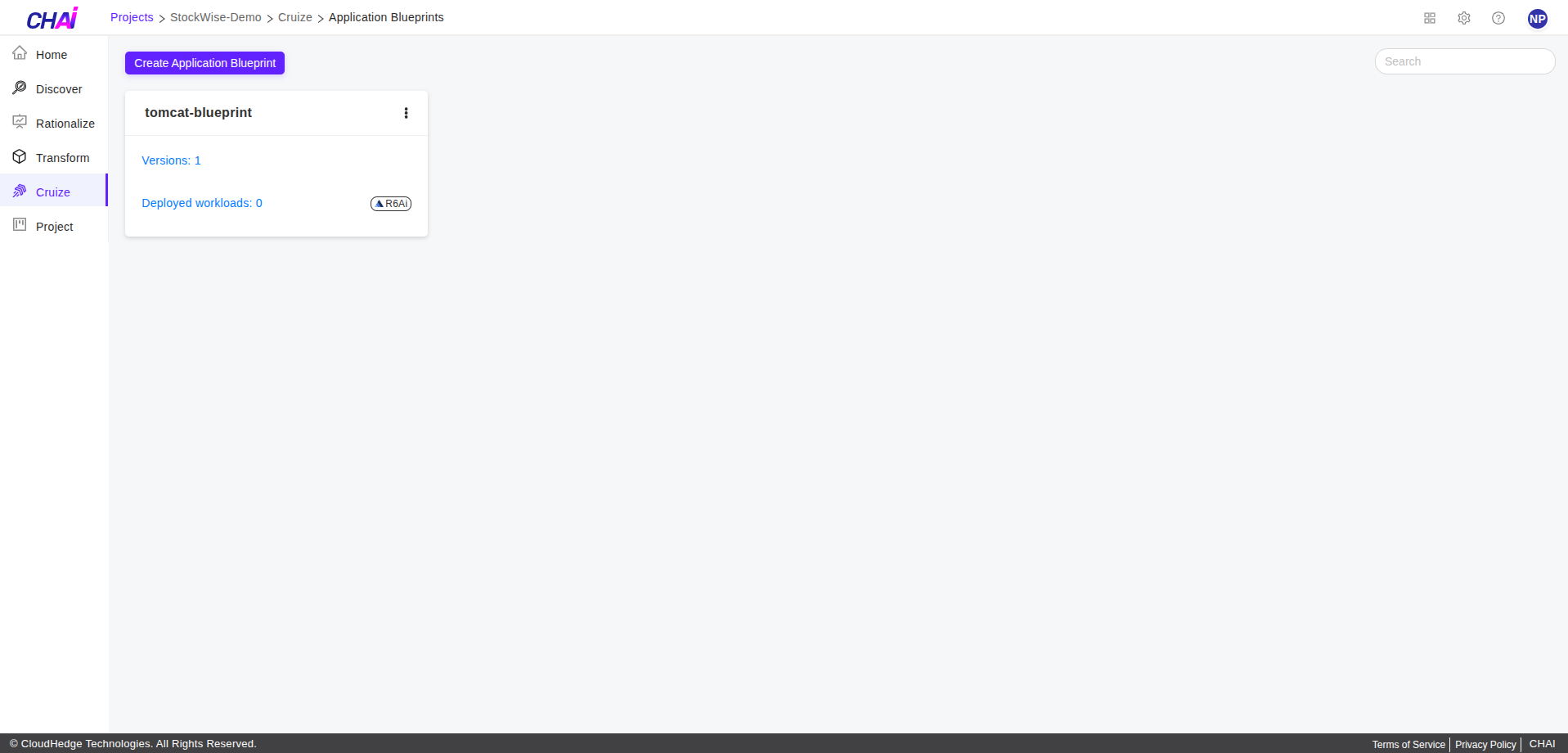
Cruizemenu from left side to view the newly generated blueprint.
- Click on