Get base docker image on Linux buildbox
We will be using ubuntu:24.04 as the required base image for Linux.
- Log in to the server where internet or Docker registry access is available, and ensure the server is reachable from the build box.
- Open a terminal and log in to the registry (if available) using the
docker logincommand. -
Pull the
ubuntu:24.04image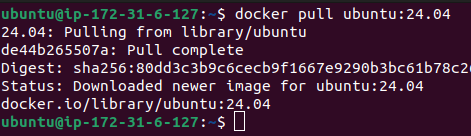
-
Save the image as a
.tarfile.
-
Copy the
.tarfile to the build box. - Load the copied
.tarfile on the build box to make the base image available.
Verify new loaded base image using command docker images.
Use or update the base image as needed
-
Navigate to Projects → Desired project → Transform → Components → Click on the 'Containerize' button next to the component.
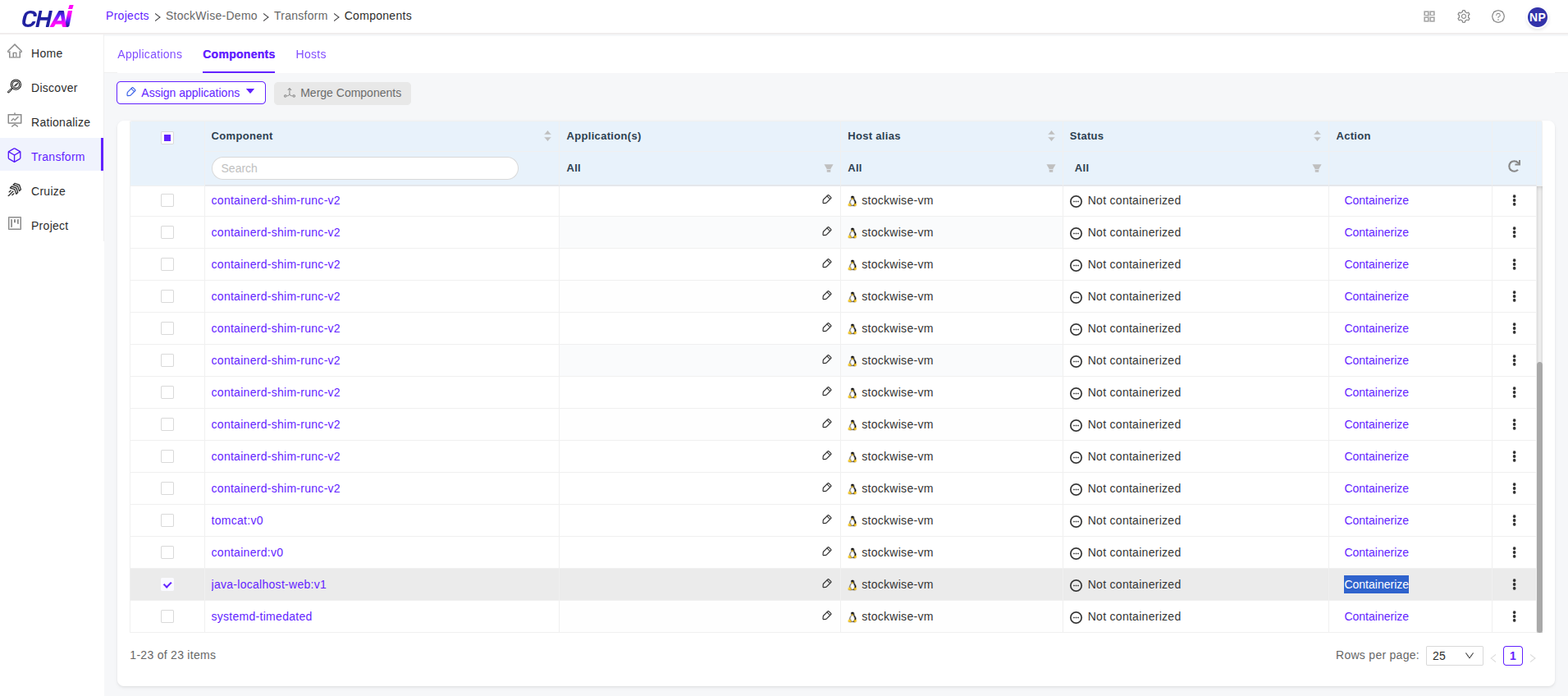
-
Select the profile you want to containerize → In the 'Dockerfile' section, you will find the base Docker image starting with 'FROM' → Click on the 'Edit' button at the bottom to edit the Dockerfile.
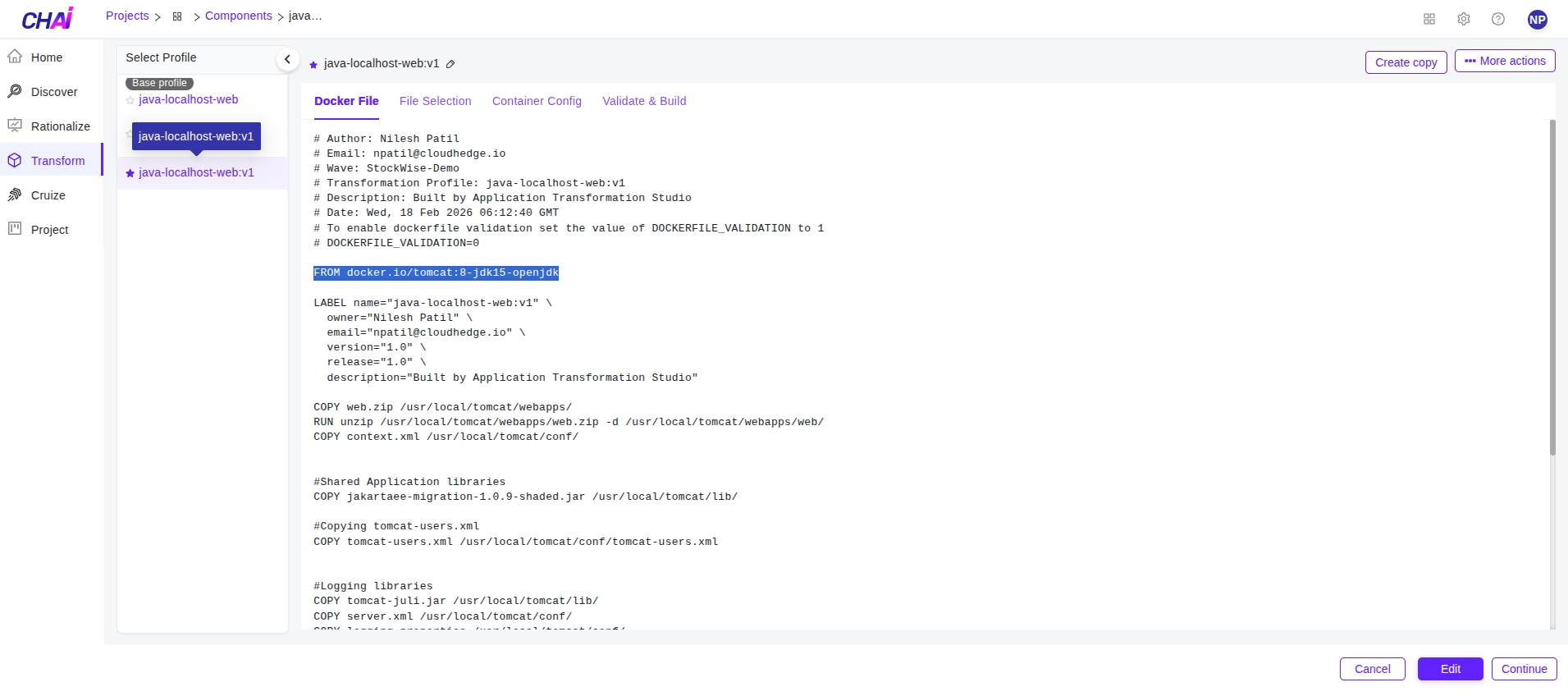
-
Edit the dockerfile and update the old base image to new desired base image -> Click on 'Save' button at the bottom.
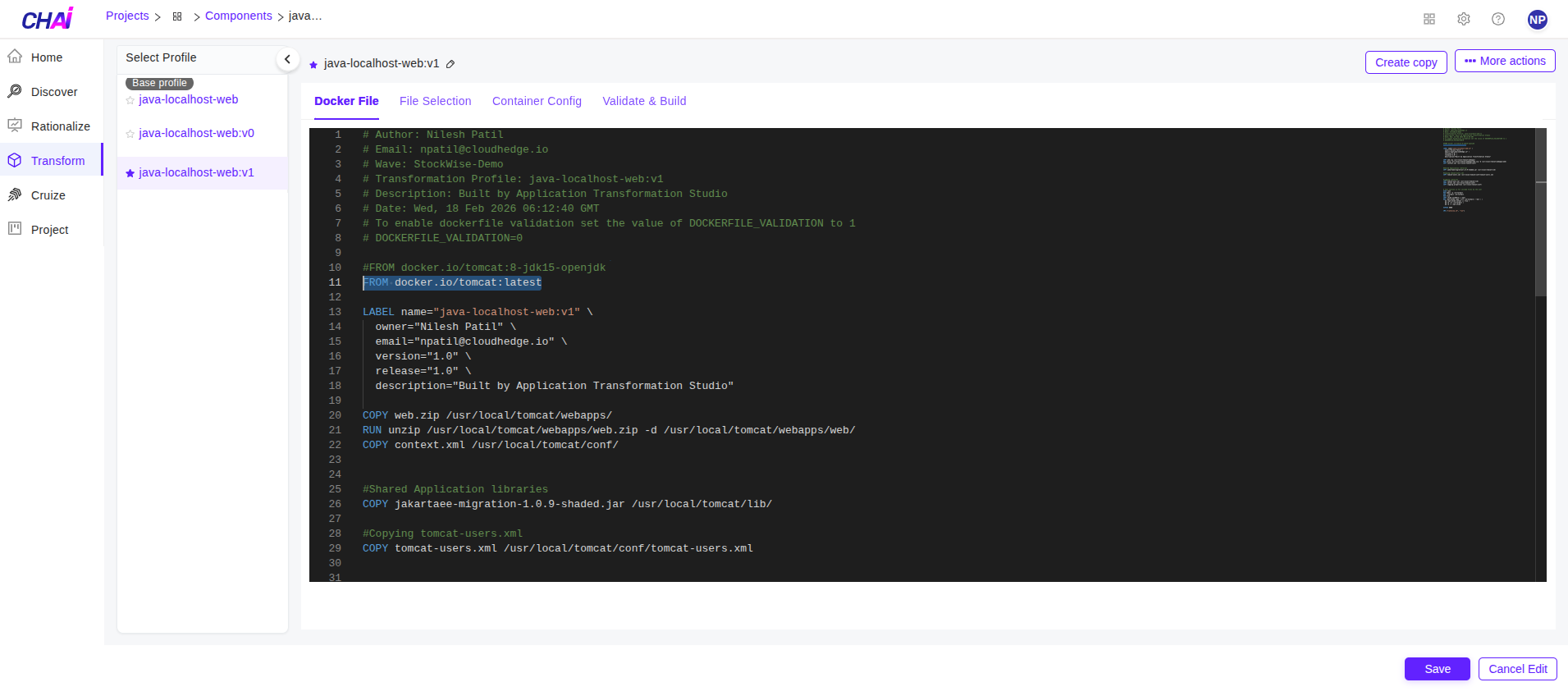
Done. The updated base image will be used for Transformation phase.